
Do you want to search in all categories or in this category ?

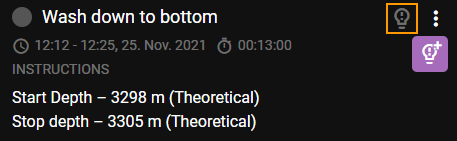
To edit an Insight comment you start by pressing the symbol displayed in the heading for that specific step/preparation that contains the comment.
A list of all the comments will be displayed
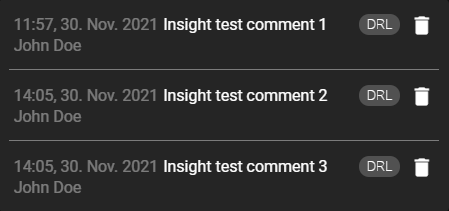
Click on the comment you want to edit to open up the Insight Comment textbox.
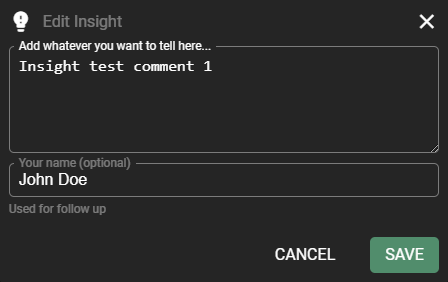
Edit your comment/name and press  to save your changes.
The textbox will close when the changes are saved.

