Do you want to search in all categories or in this category ?

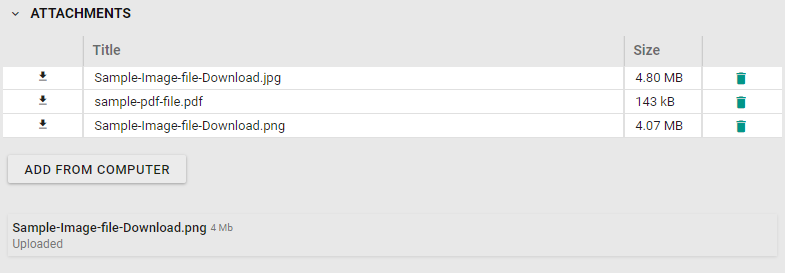
Attachments can be added to the plan by dragging and dropping it into the Drag and Drop area or by clicking “Add from computer” and browse through files to select the attachment.
The system will only accept these file types: PDF, JPG and PNG
The attachments will transfer to RigFlow when the plan is transferred.
Example: