Do you want to search in all categories or in this category ?

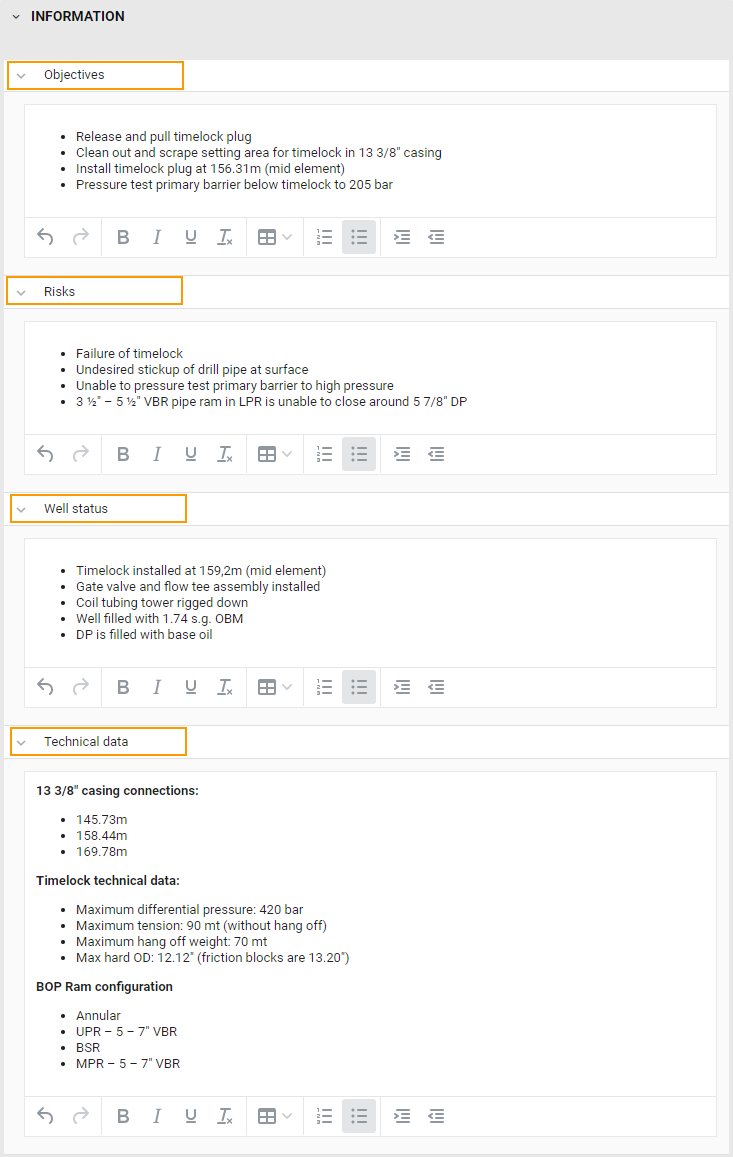
The purpose of the information section is to provide general information about the plan and the well.
Information is divided into four editable text fields:
Objectives
Risks
Well status
Technical data
To enter text in any of these fields, click on the field and start writing. Using the formatting tools of the text editor the plan author has control over how to present the information in these fields. In the text editor you can change the font style, add bulleted lists, numbered lists and add tables.
These field does not allow for setting up any interactivity with the RigFlow user – they are only intended to provide information about the well and the plan. The content of the fields will transfer to the corresponding sections in RigFlow when the plan is approved in RigBridge.
Example: