
Do you want to search in all categories or in this category ?

Checks are sorted relating to job roles and it is only possible to report back on the checks that are associated with the users’ current log in credentials (e.g. only Assistant Driller can perform or comment on Assistant Driller checks). However, certain users have the rights to complete or comment on any checks.
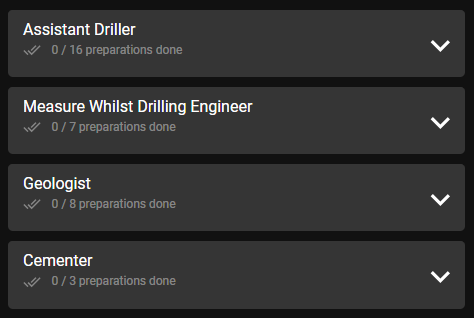
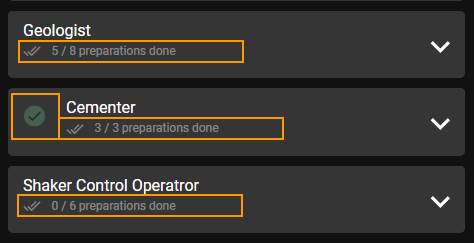
When a check has been performed, all other users can see the status change immediately.
Note that if all the check have been completed for a specific user, a green checkmark will indicate it is complete.
If a preparation item is no longer applicable, then the user can report back on this by clicking on the check box 1 x additional time.
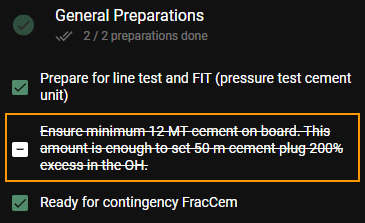
It is possible to set the check status to undone again if required, by clicking on the check box until the not performed status is obtained.
RigFlow currently has no restrictions with preparations so the action plan can still start without all checks being performed (user discretion required to start operations). Cloud users currently do not have access to complete any preparations.

