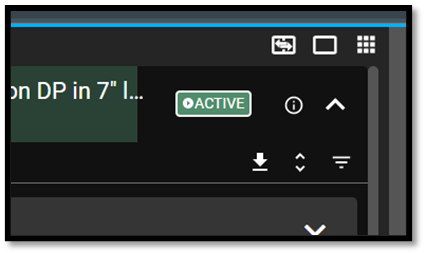
Do you want to search in all categories or in this category ?

Use the  application icon to see all the modules that is a part of RigFlow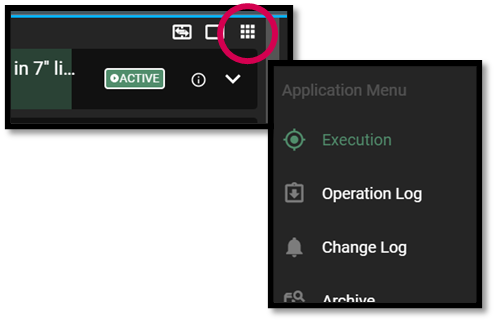
View operation by selecting the module  Execution.
To sign of your preparations, select the  Preparations tab
Select the module  Drafts to view and comment draft plans.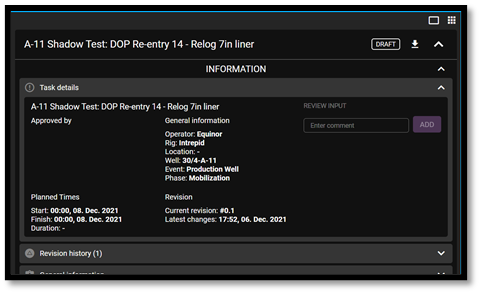
See upcoming operation, open the module  Up Next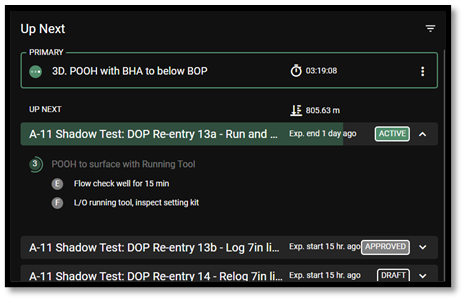
Find the current step in the Global Action Bar (located bottom right).
Click anywhere on the text to go to the current step and track it live.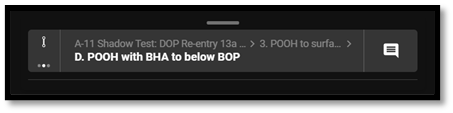
If you want to print a plan, you can do so clicking  Download and then print the plan