
Do you want to search in all categories or in this category ?

Open web-browser on mobile & desktop and navigate to RigFlow
Note: Use Edge or Chrome browser
Existing user: Login with your organizational account and password by clicking "Continue with organizational account"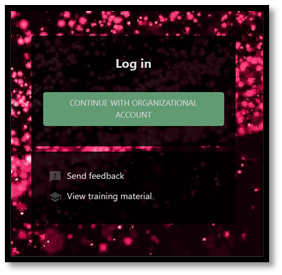
Select the account which you have applied for access to RigFlow with if listed.
Alternative select “use another account” and type in email of approved account. E.g [email protected]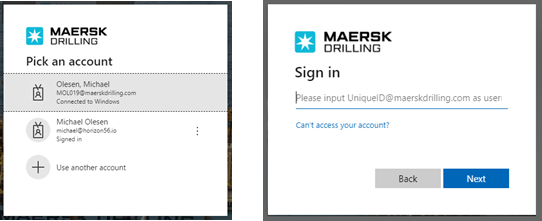
New user: Request for access via Chatbot in right bottom corner of screen.
Note: Please use your personal e-mail address when requesting access, and not shared e-mail addresses.
- When complete you will receive message once your account have been approved. Repeat step 2 and 3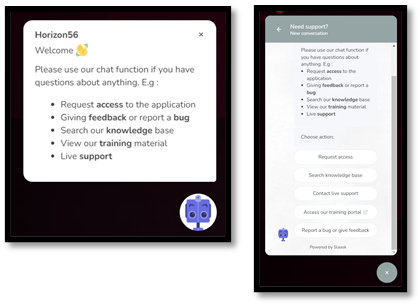
Follow Digital work instructions and live operation
Note: for demo or help, please reach out to onboard RigFlow instructors or contact support via chat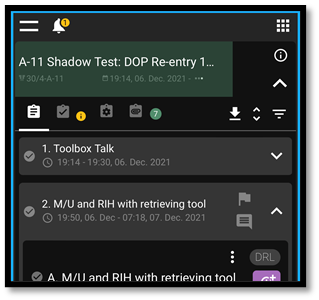
You can use the  navigation icon in the left top corner to see the support website with user manuals and tutorials.

