
Do you want to search in all categories or in this category ?

In RigFlow you have the possibility to add Insight comments in different situations.
Look for the symbol for where you can add Insight.
To add an Insight comment, start by clicking the symbol to open up the Add Insight textbox.
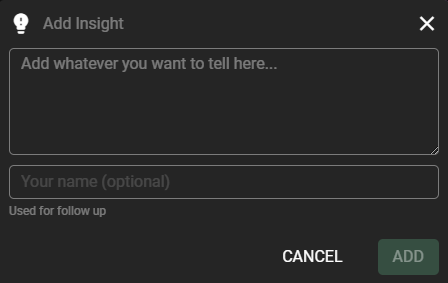
Write your comment in the comment-field and add your name if you want the comment to be traceable back to you.
Press the  button when you are done to save the comment.
The comment is saved when the Add-button has changed to 
After a couple of seconds the textbox is cleared and ready to receive new input. Continue to add comment or close the textbox by pressing  in the upper right corner.
When an Insight comment is added, the symbol will be displayed in the heading for that specific step/preparation, etc...
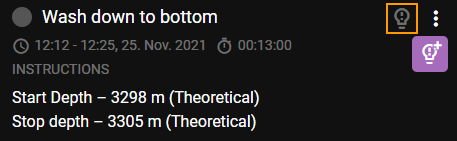
Press this symbol to view a list of all Insight comments added for the specific step/preparation, etc...
You have the possibility to edit or delete the comments, that is covered in other articles.

